Maps
How to Use Interactive Maps
To view a map, simply click on the desired map image. This opens a web application that allows you to view multiple layers, change basemaps, measure distances and areas, share maps via email or social media, and also print PDFs of maps.
- Interacting with layers: Click on features to see a pop-up with more information.
- Changing layers: Click the Layers dropdown menu and choose which layers you want on or off.
- Changing basemaps: Click the Basemap dropdown menu and select the desired basemap.
- Measuring distance and area: Click Measure and select a measurement tool.
- Sharing: Click the Share dropdown menu and choose how you want to share the map.
- Printing: Click the Print dropdown menu and select a page format.
Natural Areas MAP can be found here
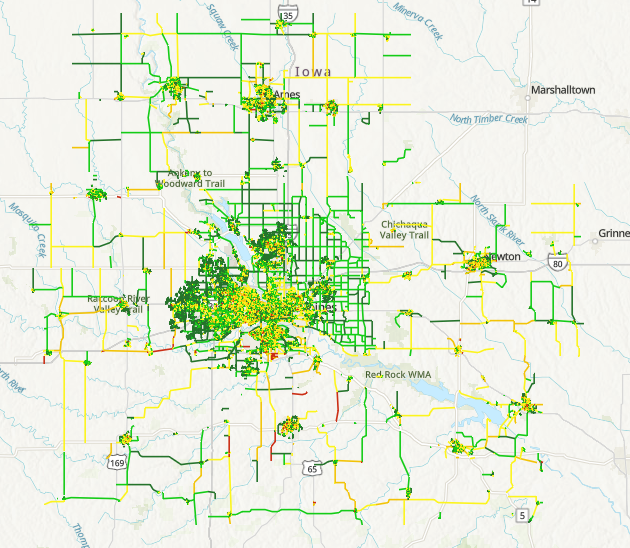
CIRTPA 2023 Pavement Data Map
Map displaying the 2023 Pavement Data of CIRTPA.
 CIRTPA